2 Introduction
2.1 Why learn to code?
While Microsoft Excel is a great tool for quick calculations, or simple data analyses that do not need long term storage or reproducibility, it becomes a poor tool when you start using large datasets, complex analyses you don’t want to invent from scratch, several datasets you want to treat identically, analyses you have to rerun many times with updated methods, or if you want to store or share your data analysis methods.
- As you move from collecting small amounts of data to large amounts of data, data handling becomes easier with programmatic data analysis.
- As you move to complex analyses, it often pays to reuse analytical methods developed by others, which are only shareable if they were written in code.
- As you move to applying the same analysis method for 100s of experiments, it pays to ‘automate’ the analysis so you don’t have to write it out again and again in fresh Excel documents.
For this course, we will be working with relatively small datasets of our own, but we will also be doing some work with pre-existing datasets, which are much larger.
2.2 Why learn to code with R?
There are many programming languages - R, Python, Perl, Rust, Julia, etc. As R and Python are both very popular, you will find that other courses may use Python.
The major thing to bear in mind is that the principles of programming are universal. For some applications, it doesn’t necessarily matter which language you use, as solutions will exist in many languages. For other applications, solutions may only exist in one language. For advanced applications therefore, that you might encounter during a postgraduate research project, you may need to use both R, Python and bash, and potentially others.
But we need to start somewhere, and this course will start with R. Why R?
- R is a programming language built for statistical data analysis.
- R is open source and free to download and use.
- R packages (bundles of functions/functionality) can be contributed by anyone, meaning development comes both from professionals (who spend all of their time making R stable, functional, and updated), but also domain-specific experts including molecular biologists, microbiologists and bioengineers.
- R packages hosted on the two biggest repositories, CRAN and Bioconductor, are carefully checked on submission and only high quality packages can be uploaded. This ensures safety, interoperability and functionality. (There is less junk around…)
- A phenomenal effort on the part of developers at the company RStudio (now Posit) over the last 5-10 years has resulted in the creation of a series of fundamental packages for data handling, transformation and plotting - collectively known as the tidyverse. These make writing, reading and understanding code much simpler for new starters, due to intuitive function names, clean syntax (coding ‘grammar’ or ‘style’), standardised syntax across related packages and lots of useful documentation (websites, blog posts, documented examples of what each package can do).
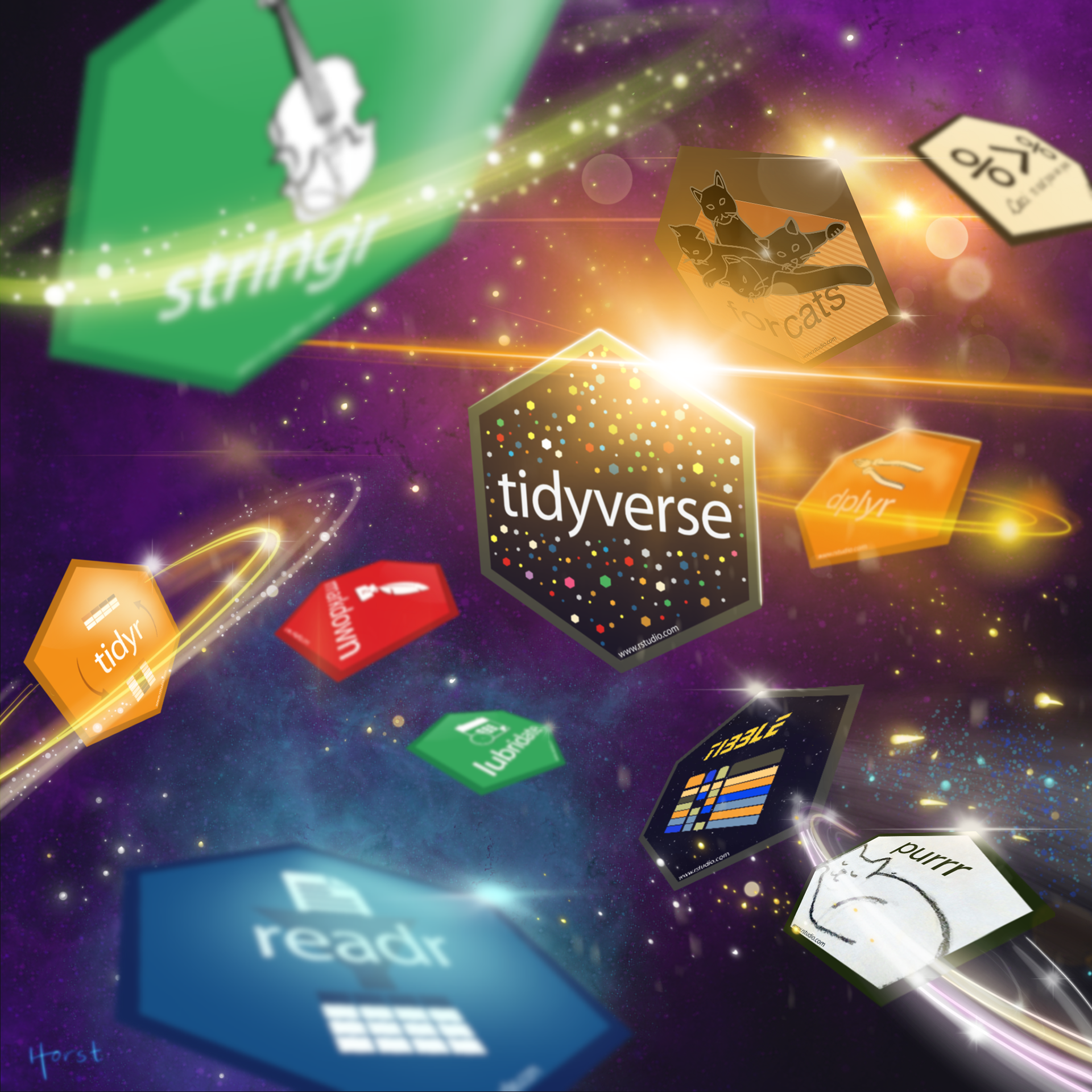
- Working with R on your computer requires only R and RStudio (not huge software bundles like Anaconda). There are also web-based ways of using R like RStudio/Posit Cloud, or WebR.
- Environments are easier to handle than in Python.
- R starts counting from 1 (not 0)!
- R allows you to easily share your code and analyses as books (like this one), websites, or even web applications.